How to Use Transparent PNG Clipart in Printable Projects
Last reviewed: 2026-06-11. Recommendations may change as we review new supplies.
You bought a clipart bundle — or you are deciding whether to — and the listing says "transparent PNG, 300 DPI." This guide explains what that actually means, why it matters, and exactly how to go from a folder of PNG files to a finished invitation, wall art print, sticker sheet, or party banner, using tools you probably already have.
No design experience is assumed. If you can drag a photo into a document, you can use PNG clipart — the format does most of the work for you.
What "transparent PNG" actually means
A PNG with a transparent background is artwork with nothing behind it — no white box, no rectangle, just the design itself. Layer a transparent watercolor flower over a colored background and only the flower shows. That is the entire trick, and it is what separates clipart from a screenshot or JPG: JPGs always carry a solid background that you would have to erase. If you have ever placed an image and gotten an ugly white rectangle around it, you were using a non-transparent file.
The tools — free ones first
You do not need Photoshop. Canva (free tier) is the most popular: create a design at your print size, upload the PNGs, drag, resize, layer. Google Slides and PowerPoint work surprisingly well — set the slide size to your print size and export as PDF. For sticker makers, Cricut Design Space accepts PNGs directly. Paid tools like Affinity or Photoshop add precision, not possibility — start free and upgrade only when a project demands it.
From clipart to printable in five steps
The workflow is the same for nearly every project:
Create a canvas at the final print size — 5x7 for an invitation, 8x10 for wall art, US Letter for a sticker sheet.
Upload the PNG files you want from the bundle.
Arrange and layer: background colors or shapes first, clipart on top, text last.
Export as PDF (for printing) or PNG at full quality.
Print at 100% scale on paper that suits the project — cardstock for invitations, matte photo paper for wall art, sticker paper for stickers.
Why 300 DPI matters when you print
DPI is print resolution: 300 dots per inch is the standard for crisp printing. A 3000x3000 pixel PNG prints sharp at up to 10x10 inches; stretch it to poster size and edges soften. The practical rule: you can always shrink clipart freely, but avoid enlarging it past its native size. Quality bundles publish their pixel dimensions so you can do this math — divide pixels by 300 to get the maximum sharp print size in inches.
What you can and can't do with it
Typical commercial licenses — including Kunans bundles — allow finished, flattened products: printed invitations, framed art, sticker sheets, party decor, and printable designs you sell as your own compositions. What they prohibit is redistributing the raw files: no reselling the PNGs, no sharing the bundle, no uploading elements as-is to print-on-demand element libraries. When in doubt, the test is simple — are you selling something you made with the clipart, or the clipart itself?
If you want to print at home
The software is free; printing is where a little hardware helps. These four cover the common projects — and there is no shame in starting with a local print shop instead.
Home inkjet printer
Test-printing wall art, planners, invitations, and sticker sheets at home before you publish a listing or photograph finished examples.
Prioritize color accuracy over speed — you are checking how artwork looks on paper, not running a print shop.
Ink-tank models cost more upfront but make frequent test prints much cheaper than cartridge printers.
Make sure it handles thicker paper stocks; many printables look best on cardstock or matte photo paper.
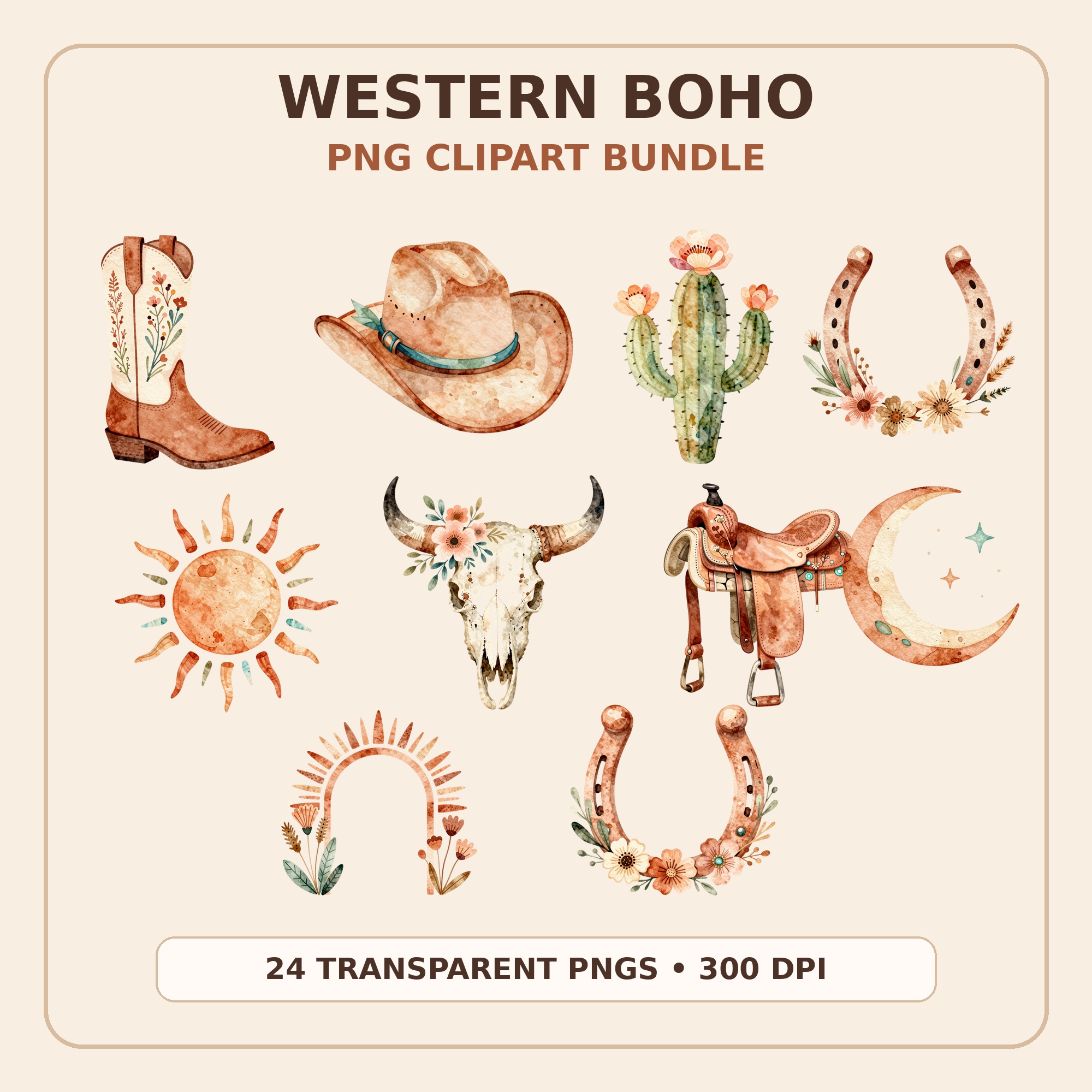
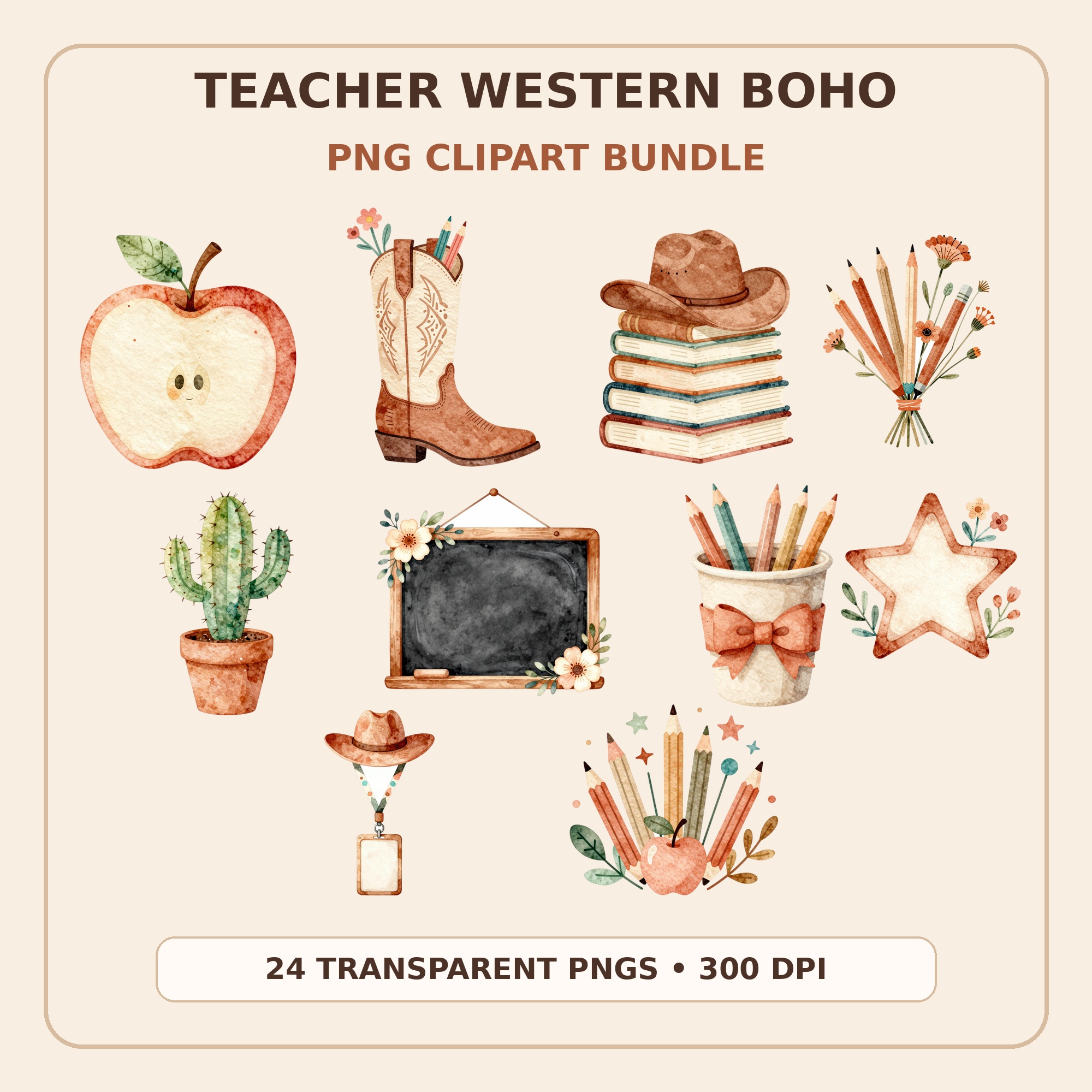
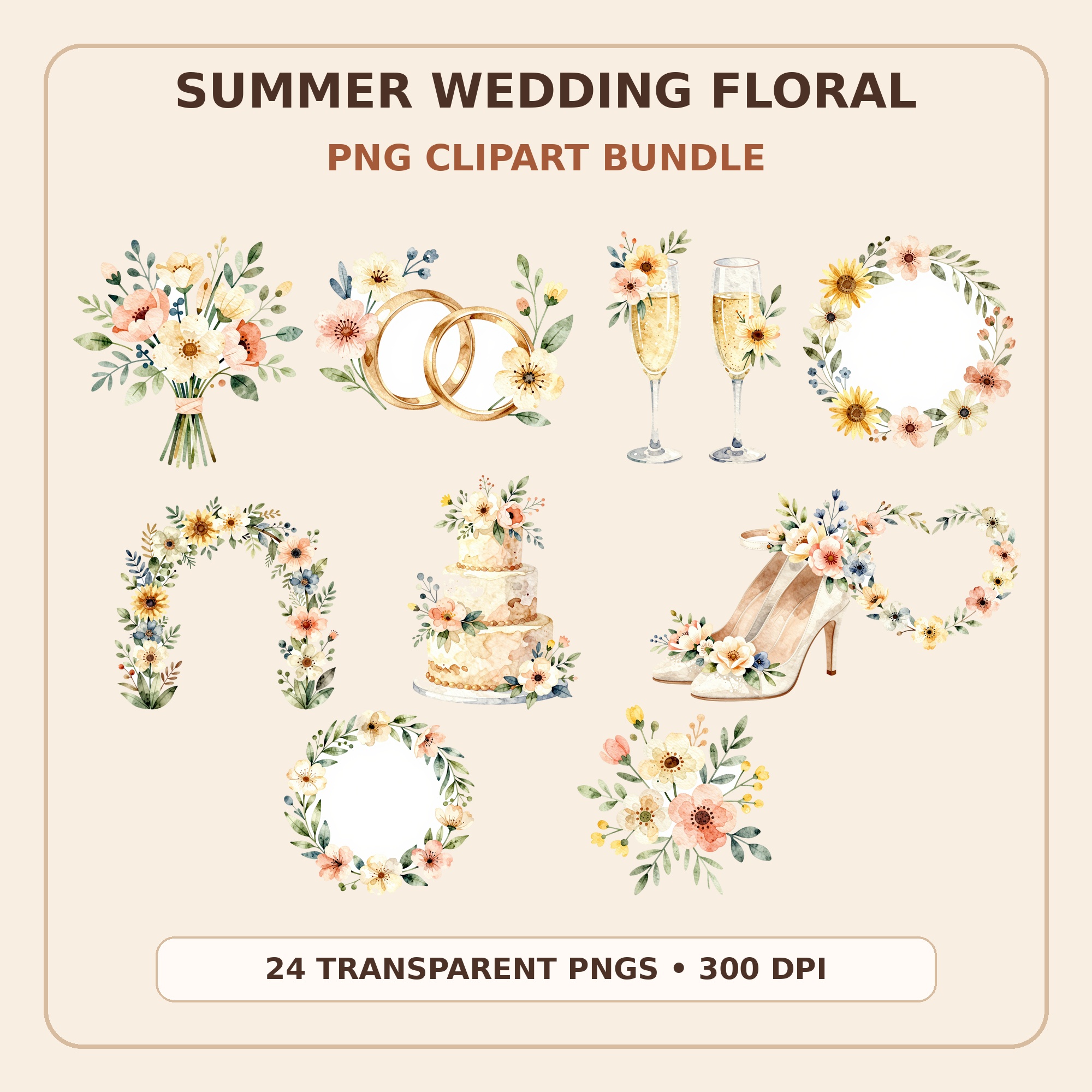
Every Kunans bundle is transparent, high-resolution PNG — western boho, summer wedding florals, teacher-themed sets, and more — with cohesive styles so your finished projects look designed, not assembled. Buy once on Etsy, download instantly, and use the five-step workflow above for invitations, wall art, stickers, and decor.
Either the file is a JPG (which cannot be transparent), or the transparent PNG was flattened somewhere along the way — some apps and messaging tools convert images on upload. Use the original PNG file from the bundle ZIP, and place it directly into Canva or your editor rather than copy-pasting through another app.
Can I resize clipart without losing quality?
Shrinking: always safe. Enlarging: safe up to the file's native size, soft beyond it. High-resolution bundles (3000px and up) give you room for everything from sticker-size to 8x10 prints. For a quick check, view the design at 100% zoom at your intended size — what you see is roughly what prints.
What program do I need to open PNG files?
Any computer or phone opens PNGs natively for viewing. For making things, Canva free covers most projects; Google Slides and PowerPoint work for layouts; Cricut Design Space handles cutting projects. You only need paid design software if you already know why you need it.
Can I sell things I make with clipart?
Under most commercial licenses, yes — finished physical and flattened printable products are allowed. You cannot resell or redistribute the PNG files themselves. Always read the specific bundle's license; Kunans bundles include a clear usage note with every download.