Best Supplies for Selling Digital Printables on Etsy
Last reviewed: 2026-06-11. Recommendations may change as we review new supplies.
Selling digital printables on Etsy has almost no startup cost — you design a file, a buyer downloads it, and nothing ships. So why buy supplies at all? Because the sellers whose printables actually look good in listings are the ones who print their own work. A wall art file that has never met paper might have colors that muddy in print, margins that clip, or text that turns fuzzy at 8x10. Your buyers will find out. Better that you find out first.
This guide is for new and early Etsy printable sellers: wall art, invitations, planners, party kits, stickers, and clipart-based designs. It covers the small set of supplies that help you test print quality, photograph honest product images, and stay organized — roughly in the order they become useful. You do not need everything here to open a shop. Start with the printing basics and add the rest when a real need shows up.
The short version: a starter kit in five lines
If you only skim one section, this is the kit. A reliable color printer and two paper types (matte photo paper and cardstock) let you test almost any printable. A paper trimmer turns test prints into clean finished pieces. One or two frames let you photograph wall art honestly. An external drive backs up the files your shop depends on. Everything else in this guide is an upgrade, not a requirement.
Why test printing is the highest-value habit
Every printable you sell makes an implicit promise: print this at home and it will look like the listing photo. Test printing is how you keep that promise. It catches colors that shift between screen and paper, line weights that vanish, fonts that break at small sizes, and layouts that assume margins home printers can't print. It also produces something valuable for free: real printed samples you can photograph for listing images instead of leaning on the same digital mockups every other shop uses.
What you genuinely do not need
A few things sellers are often told to buy that can wait: a professional wide-format printer (local print shops exist for the rare oversize test), a cutting machine like a Cricut unless you are specifically selling cut-file products, studio lighting (a window and an overcast day photograph paper beautifully), and any subscription mockup service before you've tried photographing your own prints. Digital products reward starting small.
Printing and paper basics
The foundation. These three cover test printing for nearly every printable category — wall art, planners, invitations, and game cards.
Home inkjet printer
Test-printing wall art, planners, invitations, and sticker sheets at home before you publish a listing or photograph finished examples.
Prioritize color accuracy over speed — you are checking how artwork looks on paper, not running a print shop.
Ink-tank models cost more upfront but make frequent test prints much cheaper than cartridge printers.
Make sure it handles thicker paper stocks; many printables look best on cardstock or matte photo paper.
Once a test print looks right, finishing tools turn it into something you can photograph, gift, or use — with edges that look manufactured rather than scissored.
Paper trimmer
Clean, straight cuts on invitations, tags, and prints — scissors show every wobble on a straight edge.
A guillotine or rotary trimmer with a 12-inch cut handles US Letter and A4 comfortably.
A built-in measuring grid matters more than blade count.
Replaceable blades extend the life of cheaper trimmers.
Designing your printables? Start with ready-made artwork
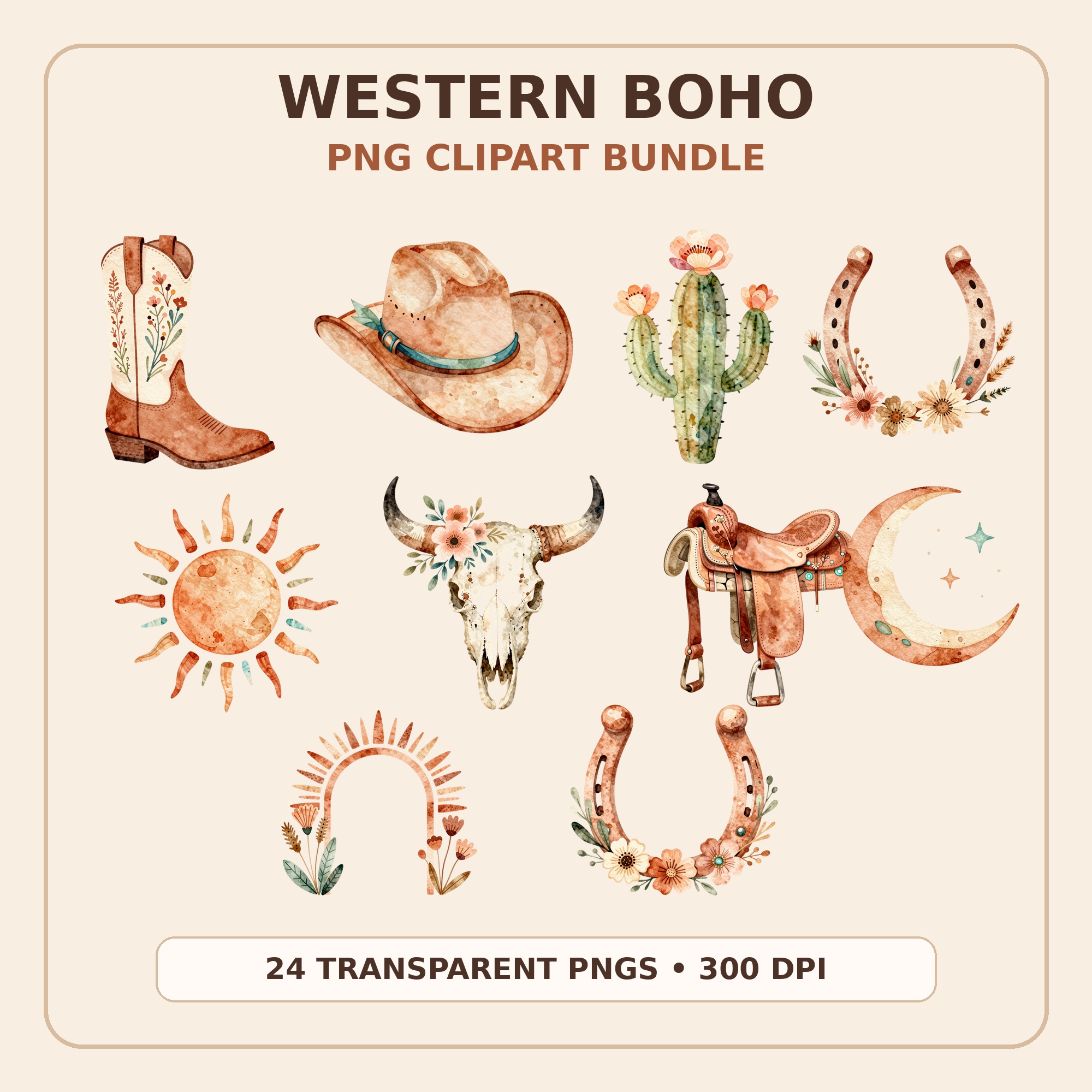
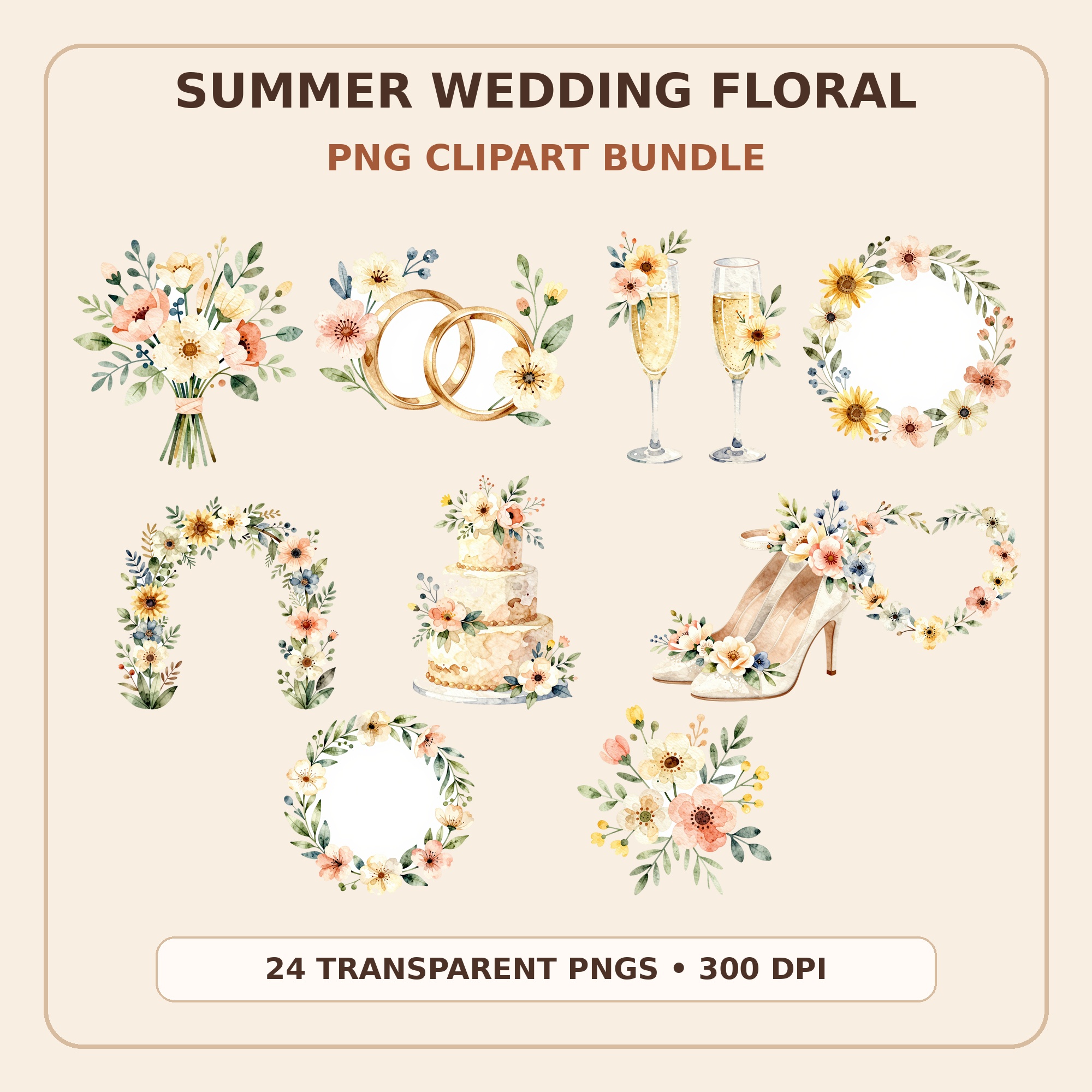
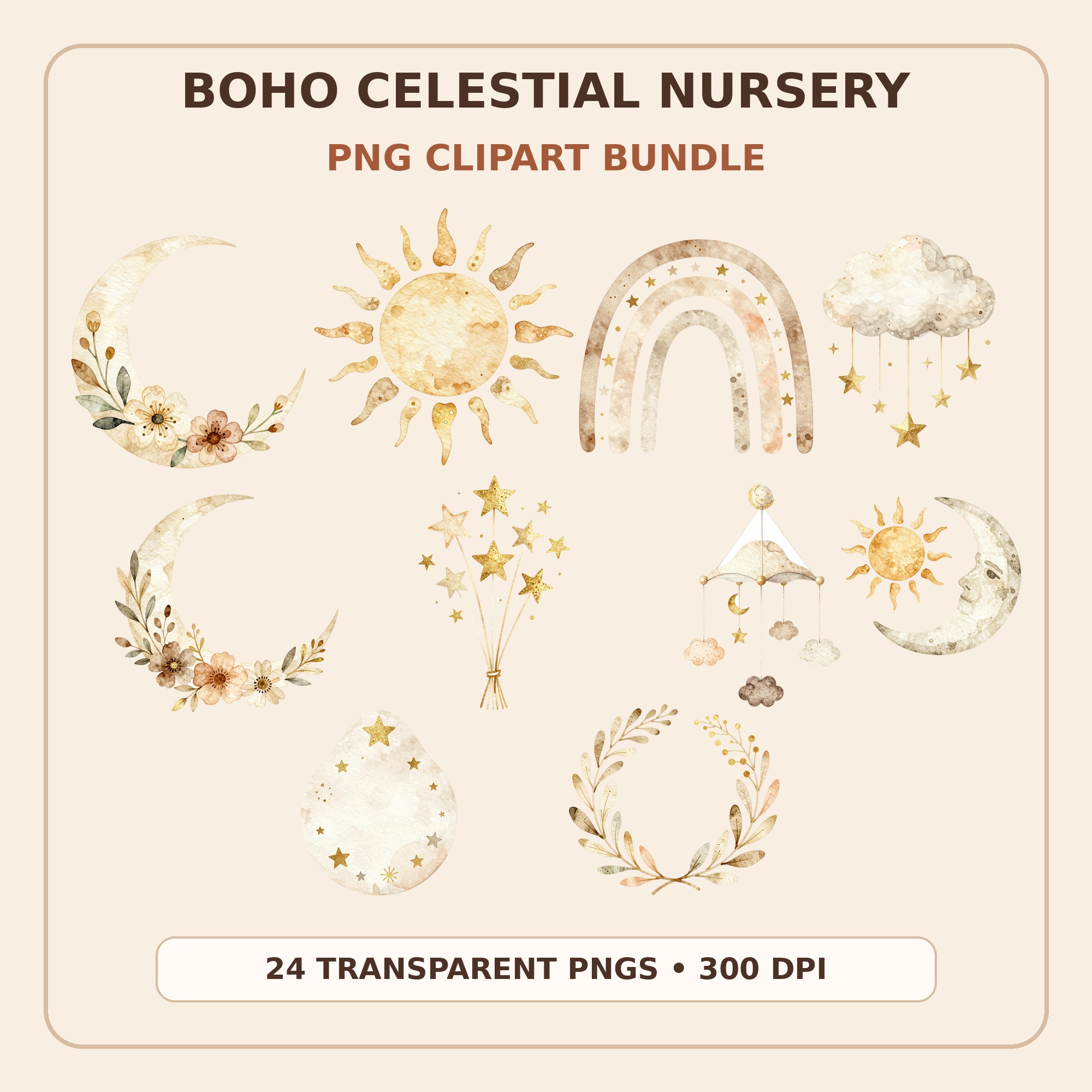
Most of the supplies above are for testing and presenting printables — but the product itself starts with artwork. Kunans clipart bundles are transparent, high-resolution PNGs made for exactly this workflow: drop them into invitations, wall art, stickers, party kits, or classroom printables, test print on the paper stocks above, and list. Every bundle is an instant download from the Kunans Etsy shop.
Strictly, no — buyers print their own files. Practically, test printing is the single best quality check available to a printable seller, and printed samples make stronger listing photos. If a printer is out of budget right now, print test sheets at a local print shop or library before listing.
Should I buy everything on this list before opening an Etsy shop?
No. Open the shop first. Start with a printer and two paper types, then let real products dictate the rest. Sticker paper matters only when you sell stickers; a laminator only when you sell reusable printables. Supplies bought before a need exists mostly become shelf decoration.
Can I use clipart bundles to make printables I sell?
Yes, if the license allows commercial use — Kunans bundles do for finished flattened products like printed invitations, wall art, stickers, and printable designs. Always check the specific license terms of any clipart you buy, and never resell the raw PNG files themselves.
What should I test before publishing a printable?
Four things: print the file at its stated size on the paper type you recommend; check colors against your screen; trim it to final size to confirm margins survive; and open the downloaded file fresh on another device the way a buyer would. Ten minutes of testing prevents most refund requests.