Last reviewed: 2026-06-11. Recommendations may change as we review new supplies.
Sticker paper looks like one product until you buy the wrong kind: glossy sheets that smear in an inkjet, 'waterproof' stickers that wash off a water bottle, matte labels that look gray instead of white. The paper aisle is genuinely confusing because the right answer depends on three things — your printer, your cutting method, and where the sticker will live.
This guide sorts sticker paper by use case: planner stickers, product labels, water-bottle and laptop stickers, and sticker sheets you might sell. It pairs naturally with transparent PNG clipart, which is the fastest route from 'I want stickers' to a printable sheet — arrange the PNGs, print, cut, done.
Pick by destination, not by price
Where the sticker ends up decides the paper. Planner stickers live indoors on paper, so standard matte sticker sheets are perfect and cheapest. Product and packaging labels want either matte (handwriting-friendly, no glare in photos) or gloss (saturated color, retail feel). Anything that meets water — bottles, tumblers, bathroom labels, outdoor gear — needs printable vinyl, and usually a laminate layer on top, because inkjet ink itself is not waterproof even when the vinyl is.
Inkjet or laser: check before you buy
Most sticker paper is made for one printer type. Inkjet sheets have a coating that absorbs liquid ink; run them through a laser printer and the heat can melt the coating. Laser sheets tolerate heat but inkjet ink beads up on them. The package always says which it is — the mistake is ordering without checking. If you sell printable sticker designs, note in your listing that buyers should match the paper to their printer.
Cutting: scissors, knife, punch, or machine
You do not need a cutting machine to make good stickers. Scissors handle simple shapes; a craft knife on a cutting mat handles detail; a 2-inch circle punch makes uniform round stickers absurdly fast. A Cricut or Silhouette earns its price when you make many sheets — its print-then-cut mode reads registration marks and cuts around each design automatically, which is the standard workflow for selling die-cut sheets made from PNG clipart.
Selling stickers made from clipart
Printed, physical stickers made from commercially-licensed clipart are generally fine to sell — the license covers flattened physical products. What licenses prohibit is reselling the digital files themselves. Check the license of any bundle you use; Kunans bundles allow finished physical products like sticker sheets. Photograph your real printed sheets for listings rather than mocking up renders — buyers can tell, and your photos double as quality control.
Sticker paper by type
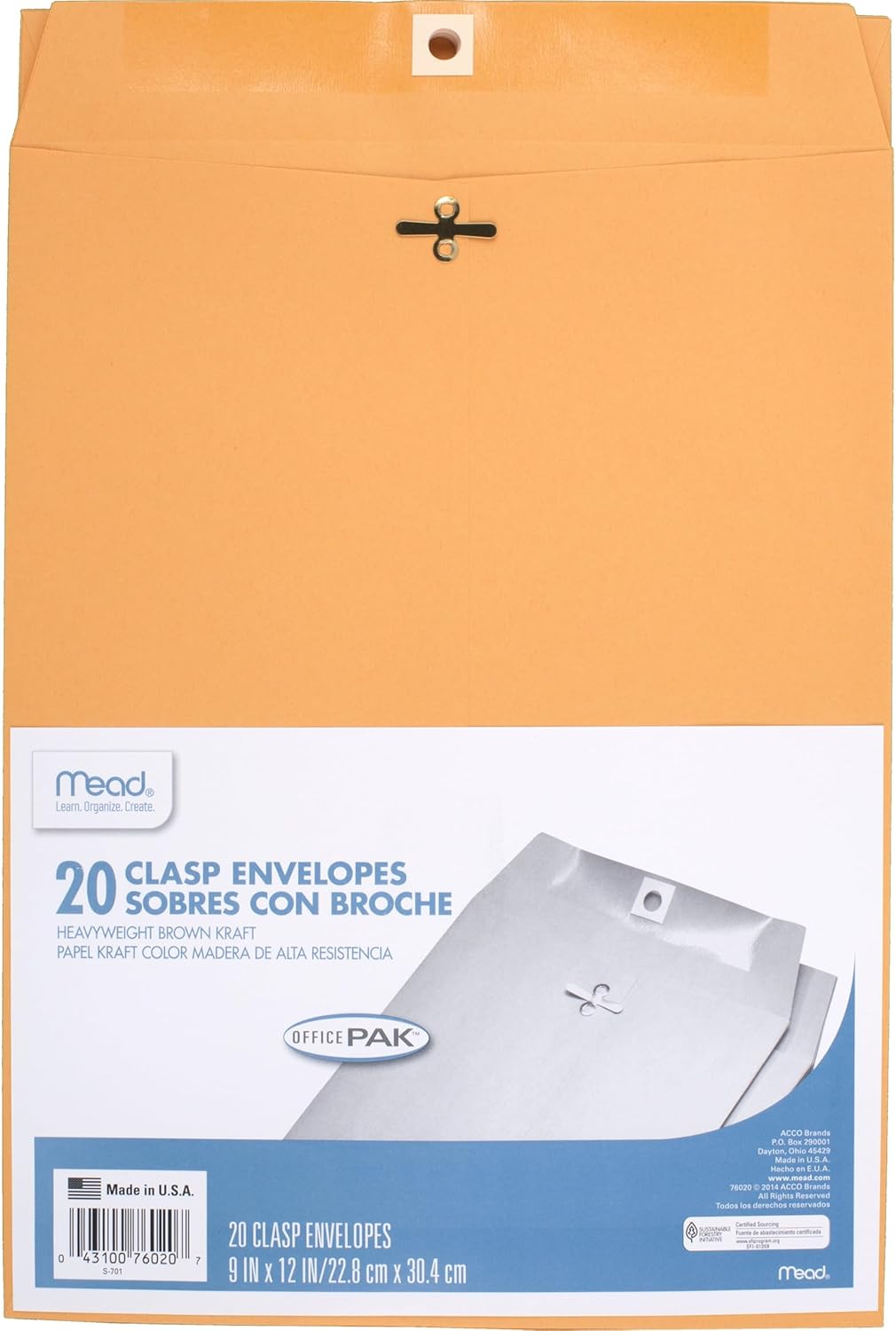
One matte pack, one glossy pack, and one vinyl pack cover every project; most people discover they reach for matte twice as often as the others.
Printable sticker paper
Turning transparent PNG clipart into planner stickers, labels, and product samples — and checking how your designs cut and peel.
Matte sticker paper takes ink well and photographs without glare; glossy pops more in person.
Waterproof vinyl sheets matter only if you promise water resistance — don't claim it otherwise.
Full-sheet labels give you freedom to cut any shape; pre-cut shapes lock you in.
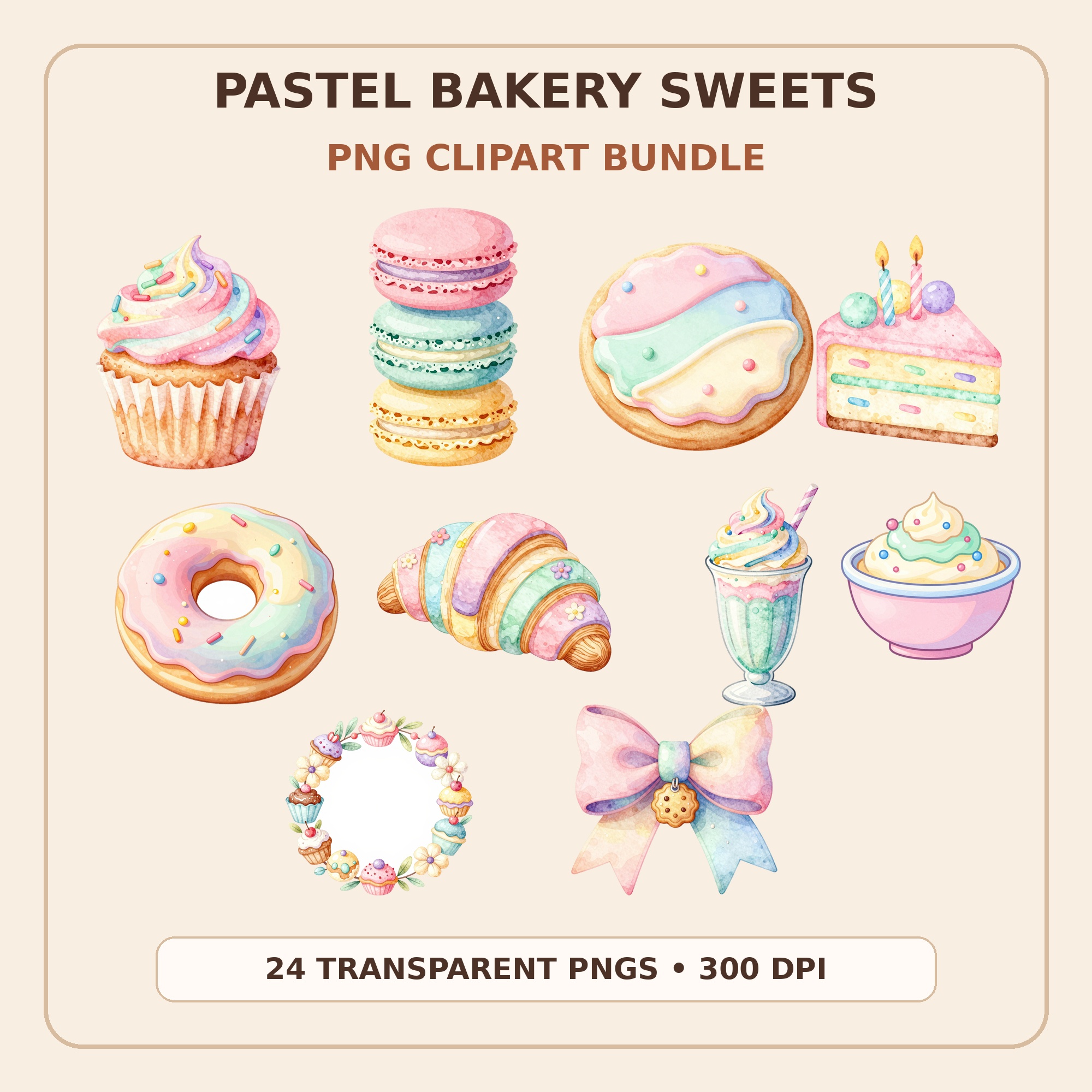
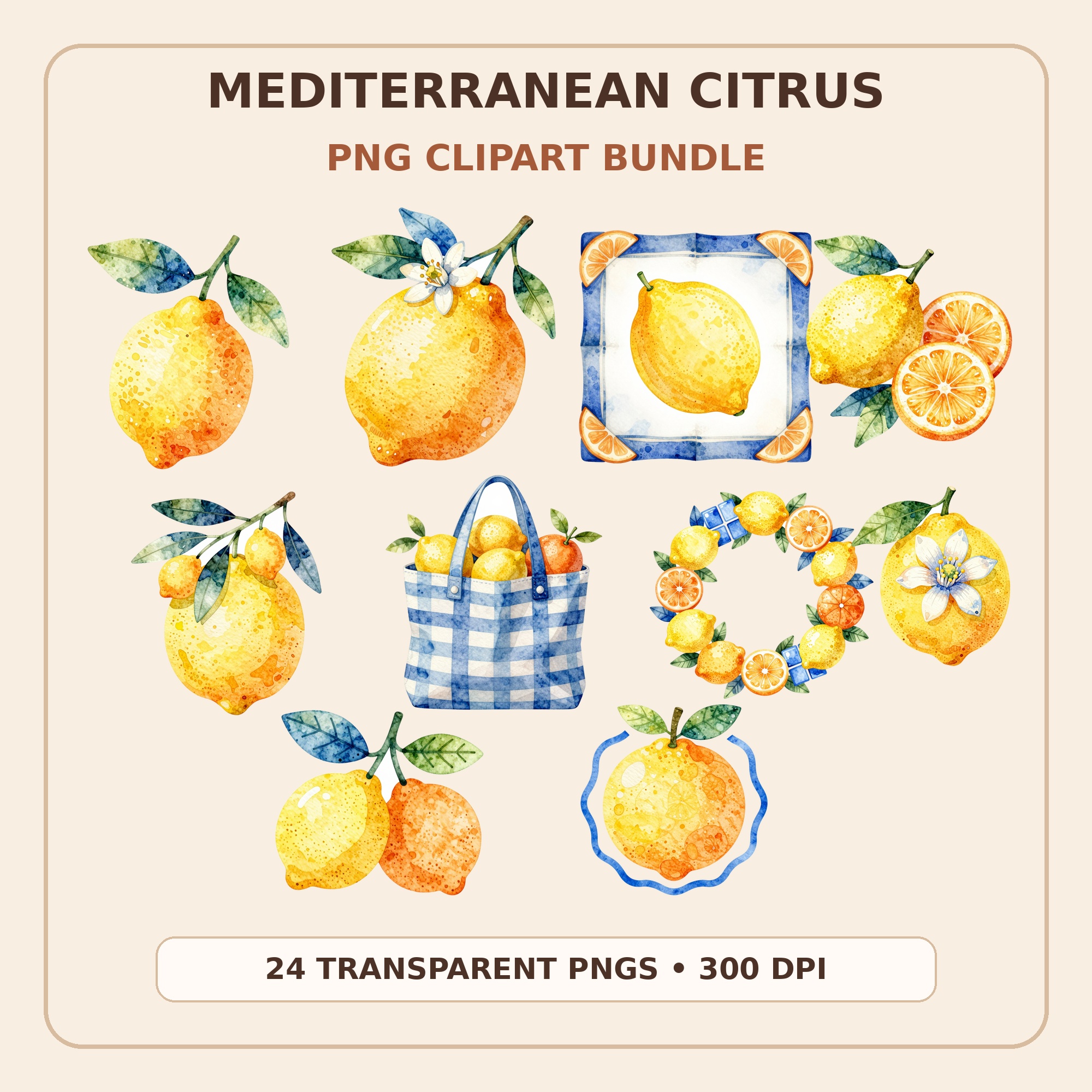
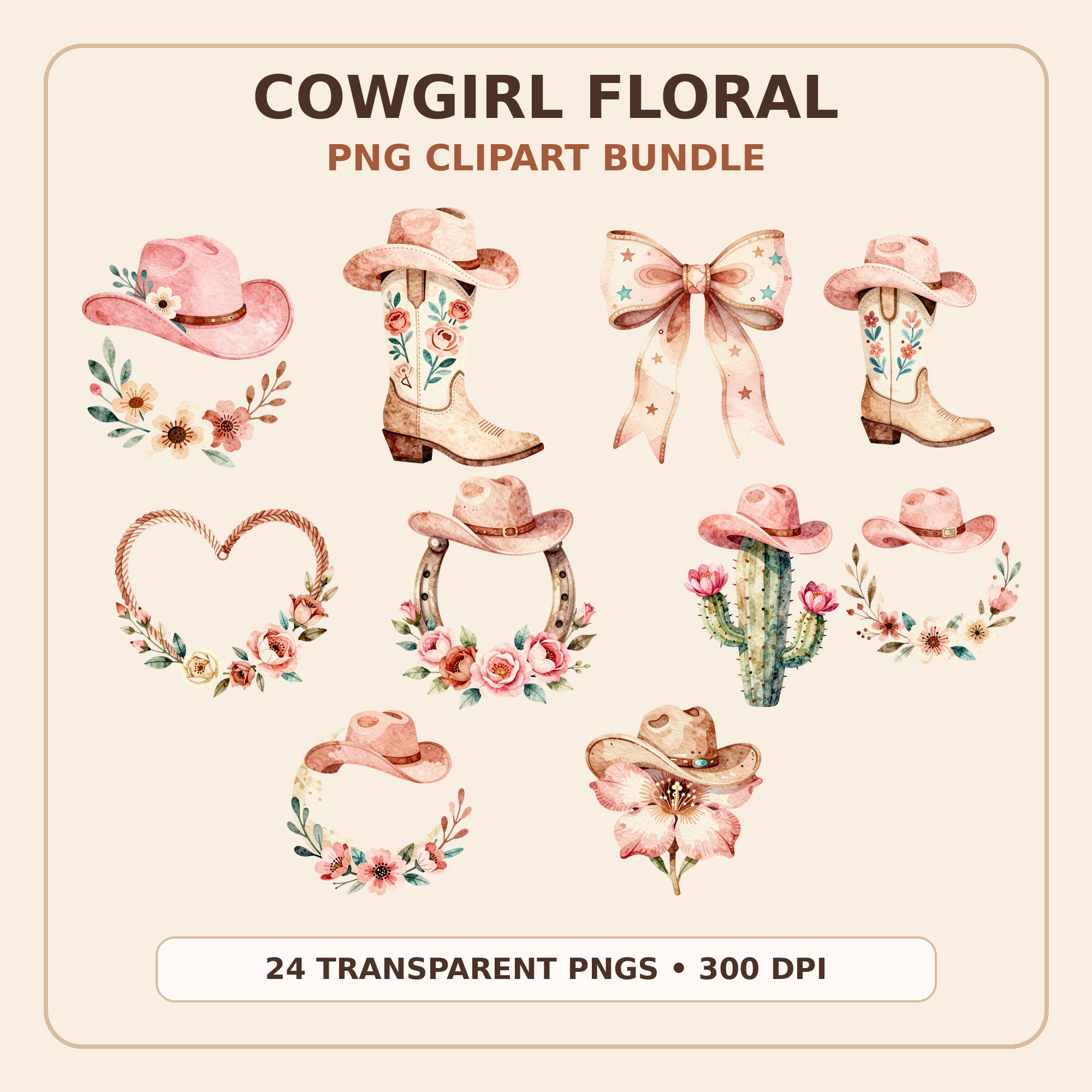
Transparent PNG clipart is the ideal sticker source: no background to erase, high resolution for clean edges, and dozens of matching designs per bundle so a single sheet looks cohesive. Kunans bundles — bakery sweets, citrus, cowgirl florals, and more — drop straight into a sticker sheet layout in Canva or Cricut Design Space. Instant download on Etsy.
What is the difference between sticker paper and printable vinyl?
Sticker paper is paper with adhesive backing — great indoors, ruined by water. Printable vinyl is a plastic film with adhesive — water-resistant, more flexible, and tougher to tear. Vinyl costs more per sheet, so most makers use paper for planner stickers and labels, and save vinyl for bottles, laptops, and anything washed or weathered.
Are my printed stickers waterproof without lamination?
Usually not. Waterproof vinyl plus standard inkjet ink survives splashes but often smears under running water or dishwashing. A thin laminate layer (self-adhesive sheets or a thermal laminator) over the printed vinyl is what makes a genuinely wash-proof sticker. Pigment-ink printers do better than dye-ink ones, but test one sticker under a tap before making claims.
Can I make sticker sheets without a Cricut?
Absolutely. Print your layout, then cut with scissors, a craft knife, or shape punches. The result is 'kiss-cut by hand' — fine for personal use, gifts, and even selling simple shapes. A cutting machine matters when you want intricate die-cut edges or you are producing sheets in volume.
How do I turn PNG clipart into a sticker sheet?
Open a US Letter canvas in Canva (or any editor), drag in the transparent PNGs, arrange with a little spacing for cutting, and add an optional thin white border around each design for that classic sticker look. Export as PDF or PNG at full quality, print on sticker paper at 100% scale, and cut. A 24-piece clipart bundle typically fills two to three varied sheets.