Last reviewed: 2026-06-11. Recommendations may change as we review new supplies.
You bought a printable wall art file, printed it at home, and it looks… fine. A little flat, a little thin, nothing like the listing photo. Nine times out of ten the file is not the problem — the paper is. Standard copy paper is engineered to feed through office printers fast and cheap, not to hold rich color, and it shows the moment you put a print behind glass.
This guide explains the three paper types that actually suit wall art, how weight changes the way a print feels, and a cheap way to test before buying a full pack. It is written for people printing digital downloads at home — whether you are decorating a nursery, filling a gallery wall, or test-printing your own designs before selling them.
Paper matters more than your printer
Two prints from the same printer can look like they came from different machines when the paper changes. Coated papers hold ink on the surface, so colors stay dense and edges stay crisp; plain paper absorbs ink like a paper towel, which mutes color and softens detail. Before blaming your printer or the file, print the same artwork on one sheet of copy paper and one sheet of matte photo paper. The difference is usually the entire problem.
Matte vs glossy: matte wins on a wall
Glossy paper looks vivid in your hand but terrible in a frame — it doubles the glare you already get from the frame's glass or acrylic, and every window and lamp reflects off it. Matte paper gives you deep color with no glare from any angle, hides fingerprints during framing, and is what most professional art prints use. Save gloss for photo albums; for wall art, matte or a soft satin/luster finish is the safe call.
Weight: when a print feels expensive
Paper weight is measured in gsm (grams per square meter). Copy paper sits around 80 gsm and flops like a receipt. From roughly 200 gsm a print starts to feel substantial, and at 230-300 gsm it handles like something from a print shop. Inside a frame, weight matters less for looks than for flatness — heavier paper resists the subtle ripple that thin prints develop. If it will be displayed unframed or on a clipboard, go heavy.
Five habits for better home prints
Whatever paper you choose, these settings do the rest:
Set the printer to its highest quality mode and select the actual paper type in the print dialog — the driver changes how much ink it lays down.
Print at 100% scale, never 'fit to page', so the artwork stays at its designed size and proportions.
Let prints dry 10-15 minutes before framing or stacking; fresh ink smudges and can stick to glass.
Trim after drying with a trimmer, not scissors — a wavy edge undoes everything the paper did right.
Store unused paper flat in its packaging; humidity curls paper, and curled paper jams printers.
The paper shortlist
Three papers cover almost every wall art situation: matte photo paper as the everyday default, fine art paper for statement pieces, and cardstock for casual or kid-zone prints.
Matte photo paper
Printing wall art and decor pieces where you want rich color without glare — the finish most printable wall art buyers expect.
Matte hides fingerprints and reflections, which also makes it easier to photograph for listings.
A heavier weight (around 230 gsm and up) reads as a finished product rather than office paper.
Buy a small pack first; paper brands vary a lot in how they render warm tones.
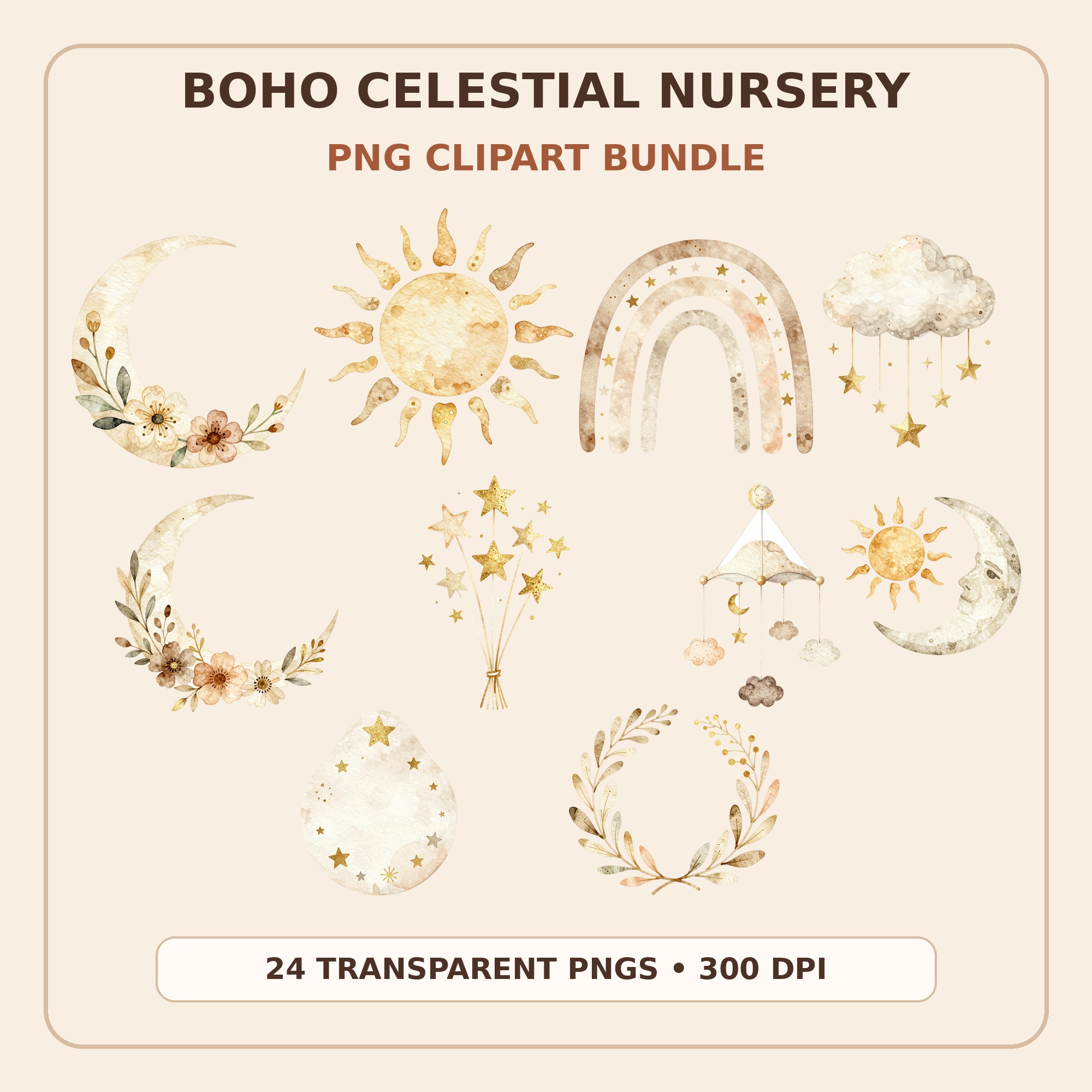
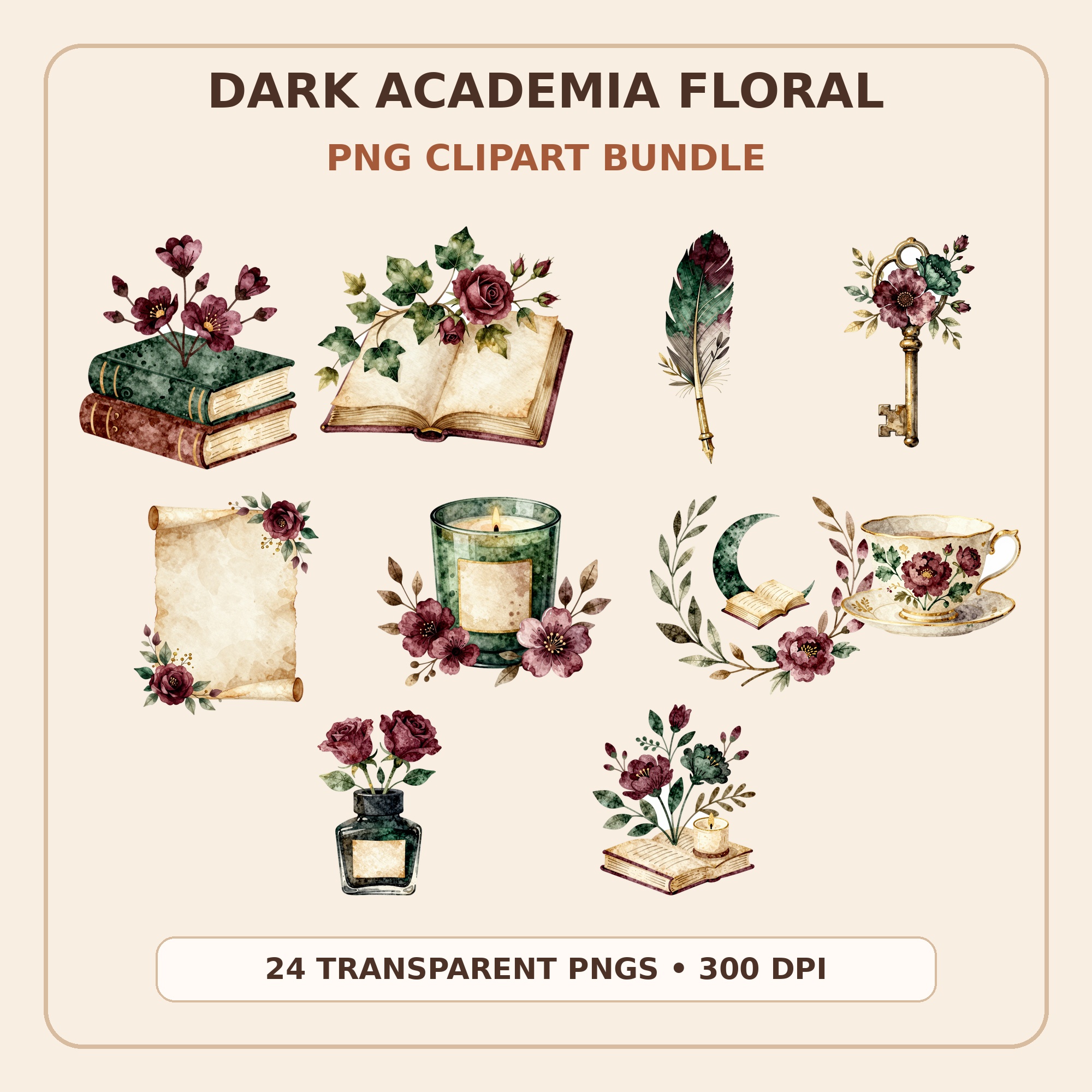
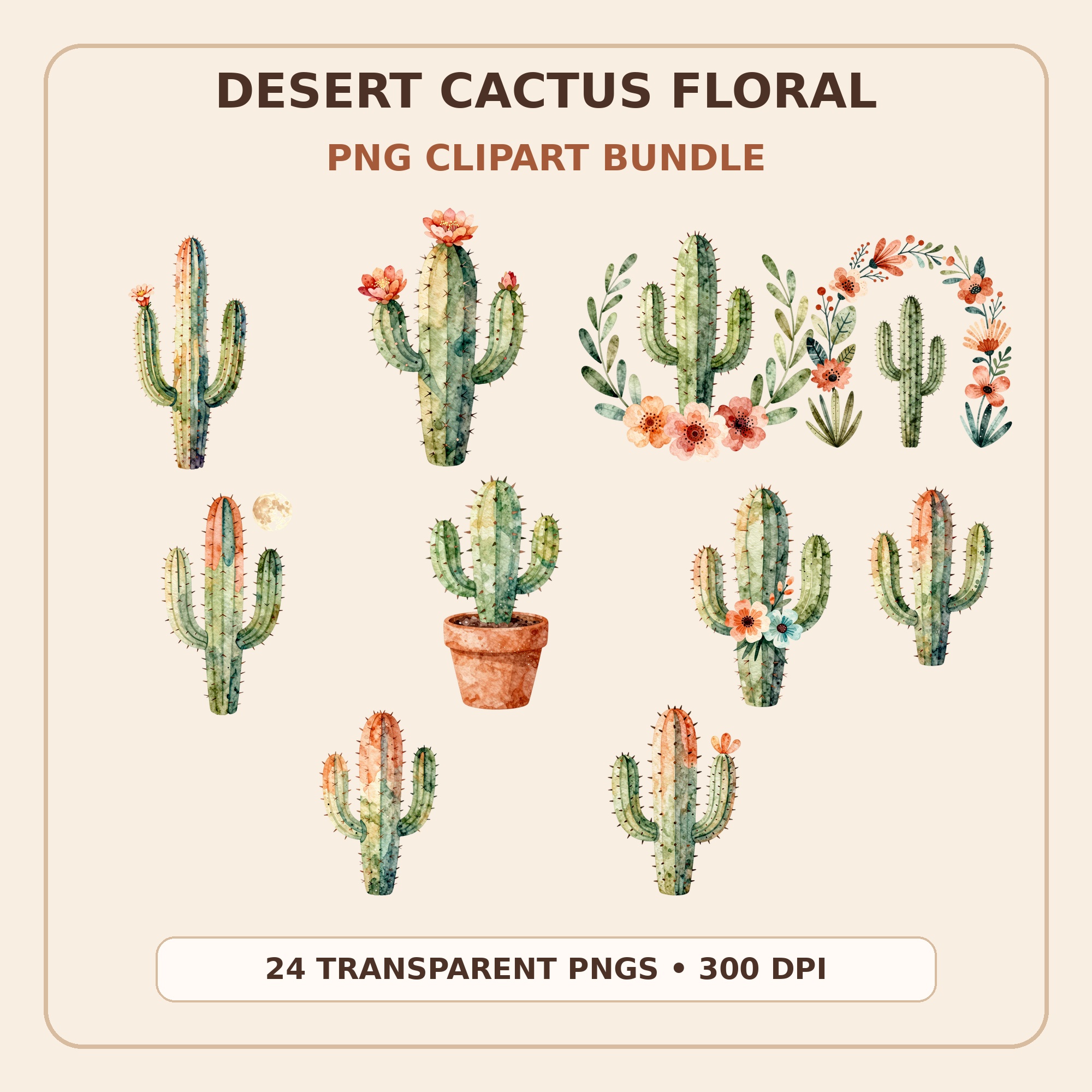
Kunans clipart bundles are high-resolution transparent PNGs that work beautifully as wall art elements — compose them in Canva or any editor, export at print size, and use the papers above. Celestial nursery sets, dark academia florals, and desert botanicals all translate naturally to framed prints. Every bundle is an instant download from the Kunans Etsy shop.
You can, and for a quick preview of size and placement you should — it costs pennies. But for the version that goes on the wall, copy paper mutes colors, shows ink bleed on bold designs, and ripples inside frames. Even mid-grade matte photo paper is a dramatic upgrade.
What paper size do I need for an 8x10 print?
Either print on US Letter (8.5x11) and trim to 8x10 with a paper trimmer, or buy paper pre-cut to 8x10. Letter-size packs are cheaper and more flexible; pre-cut saves a step if you print one size constantly. The same logic applies to 11x14 — print on 13x19 if your printer supports it, or use a print shop for the rare large piece.
Should I print at home or at a print shop?
Home printing wins for small sizes (5x7 to 8x10), instant turnaround, and decorating on a budget. A print shop or online print service wins for sizes beyond your printer, large quantities, and gift-grade pieces. Many printable buyers do both: home prints to test placement, a shop print for the final hero piece.
Why do my printed colors look duller than on screen?
Screens emit light; paper reflects it, so prints always read slightly darker and less saturated. The gap shrinks dramatically on coated matte paper with the printer set to high quality and the correct paper type selected. If a specific print runs too dark, brightening the image by 5-10% before printing usually lands it where the screen version looks.